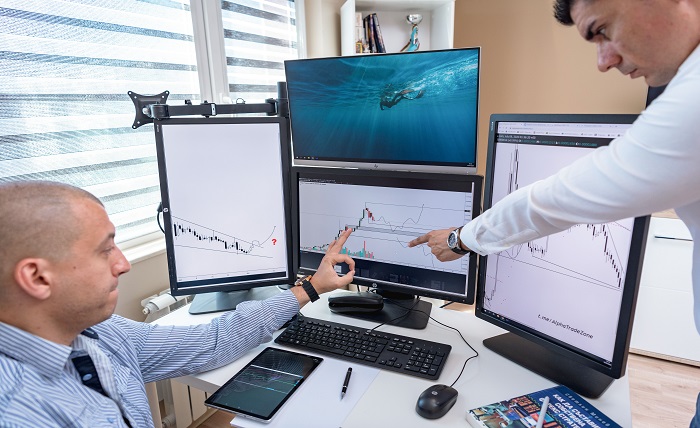
To trade online successfully, you need a platform that will help you perform analysis, track price movements, and execute trades. One of the most popular platforms is MetaTrader 5 (MT5). MT5 software offers charting, technical indicators, and trade execution within a single application.
Installation of the software and using its many features is very easy once you learn how to go about it.
Understanding MetaTrader 5
MetaTrader 5 for PC is a trading platform that enables you to enter the financial market through a compatible broker. Depending on the broker, you can deal in assets including foreign exchange, stocks, commodities, and contracts for differences.
This platform offers real-time quotes, charting, technical indicators, as well as different order types. You can also check your open positions, trading history, and customize your platform. Thus, it can be an ideal platform for both beginners and experienced traders.
How to Download and Install MT5
Step one entails acquiring the appropriate installation file. To download MT5 for PC, visit the official MetaQuotes website or use your broker’s platform download link.
If you need an MT5 download for PC, first check whether your computer meets the software requirements. Proceed to download the installation file, open it, and install the software following the instructions provided.
MetaTrader 5 download for PC is usually simple and uncomplicated. After installation is complete, run the program to start using the interface. MetaTrader 5 download for Mac is another available option.
Setting Up Your Trading Account
Once the program is installed, you need a trading account to get access to market data and conduct your trades. Normally, most brokers offer demo and live account options.
The best thing about a demo account is that it is perfect for those who are new to trading because you will be able to use virtual money to get familiar with trading. For more details about the platform’s features and brokers, look at more info here.
Exploring Essential MT5 Features
Knowing the major components will facilitate navigation. The Market Watch shows the list of trade instruments along with their current prices, while the Navigator allows you to access accounts and trading tools.
The charts help analyze the price fluctuations in various timeframes. They allow adding technical indicators, drawing lines, and adjusting chart settings. When working with MetaTrader 5 for PC, you can also open several charts and arrange them according to your preference.
Placing Your First Trade
Before trading any position, choose your instrument and look at the price chart. Determine whether you think the price will go up or down and choose the correct order type, which could be a market or pending order based on your price expectations.
Risk management is equally important. Think about using stop-loss and take-profit levels, know what leverage means, and never risk more money than you cannot afford to lose. You can practice all these things by using MetaTrader 5 for PC through a demo account, which can help you build confidence.
Final Thoughts
Trading in MetaTrader 5 PC can be a good way to start with online trading for anyone who is willing to learn. Learn about its features, use a demo account for practice, and have a consistent method before you start trading using your own funds.
As you become more experienced, try out various techniques to see which ones work best for you and your trading style. Above all, be patient, learn, and make wise decisions instead of making impulsive trades.